Hidden Heroes: The Struggles of Caregivers || 16

Introducing „CareCompanion“: A Tailored Selfcare Subscription Box for Caregivers

Caring for a loved one is a noble but demanding responsibility that can often leave caregivers feeling overwhelmed and in need of support themselves. To address these challenges, I am excited to introduce „CareCompanion,“ a specialized selfcare subscription box designed specifically for caregivers.

Vision for the CareCompanion Box

The CareCompanion box is more than just a collection of products; it’s a thoughtful toolkit curated to support caregivers in various caregiving situations and relationships. Here’s a closer look at what the CareCompanion box offers:

Tailored Support for Different Caregiving Situations and Relationships

Caregiving Situations:

  • Mental health care tools and resources
  • Physical health care aids and products

Caregiving Relationships:

  • Support for caring for parents, spouses, siblings, and other family members
  • Specialized resources for caregivers of adults and children with diverse needs

Palliative Care:

Compassionate support for end-of-life caregiving situations

What’s Inside the CareCompanion Box?

Each CareCompanion box is carefully curated to include:

  • Selfcare Tools: Items that promote mental and physical well-being, such as relaxation aids, stress relief tools, and mindfulness resources.
  • Comfort Products: Luxurious items like soothing teas, aromatherapy products, and cozy blankets to provide comfort and relaxation.
  • Guides and Activity Suggestions: Practical guides on self-care practices, caregiving tips, and suggestions for activities to enhance quality time with the care recipient.

Look and Feel of the CareCompanion Box

The CareCompanion box is designed to be more than a practical resource—it’s a heartfelt gesture of support and appreciation for caregivers. Here’s how it will look and feel:

  • Warm and Inviting Design: The box will feature calming colors and comforting textures, creating a sense of warmth and reassurance.
  • Thoughtful Presentation: Each item will be thoughtfully packaged and accompanied by a personalized note expressing gratitude and encouragement.
  • User-Friendly Experience: Clear instructions and explanations will guide caregivers on how to use each item effectively for maximum benefit.

How Often Will Caregivers Receive a CareCompanion Box?

CareCompanion boxes will be delivered every 2-3 months, ensuring caregivers receive ongoing support and encouragement throughout their caregiving journey.

Next Steps in the Development of CareCompanion

  • Prototype Development: Creating a prototype box to test the selection of items and packaging.
  • Feedback and Iteration: Gathering feedback from caregivers to refine the contents and ensure they meet their practical and emotional needs.
  • Collaborations: Exploring partnerships with experts in caregiving and selfcare to enhance the box’s effectiveness and relevance.

Hidden Heroes: The Struggles of Caregivers || 15

Developing a Website for Caregivers

Caring for a family member can be a daunting task, filled with emotional, physical, and administrative challenges. To address these multifaceted needs, I am developing a comprehensive website designed to support family caregivers. This blog post outlines the vision for the website, the key content it will provide, and the next steps in the development process.

Vision for the Caregiving Website

The goal of this website is to serve as a central hub for caregivers, offering essential information, resources, and support to make caregiving more manageable and less stressful. Here’s a detailed look at what the website will offer:

Key Content Areas:

Insurance Benefits:

  • Detailed information on what caregivers can receive from health insurance.
  • Guidance on necessary forms and where to find them.
  • Information on various types of support caregivers are entitled to.

Support Resources:

  • Comprehensive list of available support services and how to access them.
  • Information on financial assistance, respite care, and community resources.

Caregiving Crash Course:

  • Step-by-step guides on how to care for someone in different scenarios (e.g., washing, dressing, feeding).
  • Video tutorials and written instructions to make learning easy and accessible.

Helpful Products:

  • Recommendations for apps, planners, and local services that can assist caregivers.
  • Reviews and links to products that can simplify caregiving tasks.

Finding Professional Care:

  • Resources to locate qualified caregiving professionals.
  • Tips on what to look for and questions to ask when hiring help.

Self-Care for Caregivers:

  • Links to physical and mental exercises to maintain the caregiver’s own well-being.
  • Information on support groups, counseling services, and wellness programs.

Potential Collaborations:

Explore partnerships with health insurance providers and organizations like the Red Cross to provide up-to-date information and additional resources.

Development Plan and Timeline

Semester Goals:

Figma Prototype:

  • Develop a prototype of the website using Figma, focusing on both functionality and aesthetics.
  • Create a user-friendly interface with an intuitive look and feel.

Future To-Do’s:

Consulting Experts:

  • Engage with professionals from insurance companies, the Red Cross, and caregiving personnel to gather insights and validate content.
  • Ensure the information is accurate, comprehensive, and up-to-date.

Extensive Research and Benchmarking:

  • Conduct thorough research on existing caregiving resources and websites.
  • Benchmark against best practices to ensure the website meets high standards of usability and relevance.

Look and Feel of the Website

The website will be designed to be visually appealing, user-friendly, and comforting. Key design elements will include:

Clean and Intuitive Layout:

  • A straightforward navigation menu to help users find information quickly.
  • Organized sections with clear headings and subheadings.

Warm and Inviting Design:

  • Use of soothing colors and imagery to create a welcoming atmosphere.
  • Engaging visuals such as icons, illustrations, and photos to enhance understanding and retention of information.

Responsive and Accessible:

  • Ensure the website is fully responsive, providing an optimal viewing experience on all devices (desktops, tablets, and smartphones).
  • Incorporate accessibility features to support users with disabilities, such as screen readers and text resizing options.

Conclusion

The caregiving website aims to be a comprehensive resource for family caregivers, providing them with the information, tools, and support they need. By offering a well-organized, visually appealing, and easy-to-use platform, the website will help caregivers navigate their responsibilities more efficiently and maintain their own well-being. The development process will involve creating a detailed prototype, consulting experts, and conducting extensive research to ensure the website is both functional and valuable to its users.

Hidden Heroes: The Struggles of Caregivers || 14

Feedback Session with Birgit Bachler: Summary and Outcomes

During a feedback session with Birgit Bachler, several key points and directions were outlined for the development of my project. The feedback focused on refining the prototype into a more cohesive and user-friendly solution. Here’s a summary of the main outcomes and the envisioned next steps:

Outcome of the Discussion

The prototype will be transformed into a website that consolidates all the crucial information needed for family caregiving. This website will be complemented by a selfcare subscription box specifically designed for those caring for family members.

Detailed Insights:

Website Prototype:

The website will serve as a central repository of vital information for caregivers.

It will be prototyped as a storyboard with three different ideal caregiving scenarios, each representing a unique caregiving situation: caring for a parent, postpartum care, and caring for a sick child.

The storyboard will illustrate how three different personas interact with the product, providing a clear narrative on accessing and utilizing the information and services offered by the website.

Interaction Flow on the Website:

The website will guide users on how to find relevant information efficiently.

It will detail the process of subscribing to the selfcare box, making it straightforward and user-friendly.

Subscription Box:

The contents of the selfcare box will include support items for mental health, aiming to make the first steps towards selfcare more accessible (though not replacing professional therapy).

The box will also contain products that promote physical health and overall well-being.

Additionally, it will include guides, newsletters (featuring updates on self-help groups and new legal regulations), and games or activity suggestions for engaging with the care recipient.

Conclusion

The feedback from Birgit Bachler has provided clear direction for enhancing the project. The integration of a comprehensive informational website with a thoughtfully curated selfcare subscription box aims to provide holistic support for family caregivers. This approach not only addresses the practical aspects of caregiving but also supports the emotional and mental well-being of caregivers.

Double Diamond #10: My First Prototypes and an Outlook for the next Semester.

Review and Outcome

Throughout my research on the Double Diamond this semester, I have developed an initial paper prototype, which I then translated into a first Miro prototype. I plan to refine and expand the prototypes next semester, with the potential to incorporate it into my Master’s thesis. My prototypes represent a practical, flexible tool that should go beyond theoretical concepts or basic fill-in-the-blank assistance.

Concept and Prototypes

The idea behind my project and prototype is to create a tool that can be easily customised and really used to fit, plan and realise different design projects. Unlike the static representations often seen, such as the templates on Mural as well (where you could only fill in your steps), this tool aims to be truly adaptable in the future and also provide important steps to realise your projects. It will provide guidance on the consequences of skipping essential steps and allow for variable configurations based on project needs. Additionally, this tool will facilitate communication with stakeholders by clearly explaining the importance of certain step.

Double Diamond Template
https://www.mural.co/templates/double-diamond

Design Thinking Canvas
https://www.mural.co

Prototype Features

  1. Modular Design: The tool should consists of modular components (methods and tools) for each phase of the Double Diamond – Discover, Define, Develop, and Deliver. These can be rearranged or removed based on the project’s requirements.
  2. Interactive Elements: Each module includes interactive elements that explain the importance of each step and what might be lost if a step is skipped which can be found on the front and back of the cards. In a later step this also will be included in the digital version.
  3. Guidance and Feedback: The prototype offers real-time feedback and suggestions, helping users understand the implications of their choices and how to optimize their design process.
  4. Tools and Methods for Different Phases: Within the Miro prototype, I’ve also created some first templates that can be used right away to work with – providing tools and methods specific to each phase of the Double Diamond.1

Next Steps and Outlook

Looking ahead to the next semester, my goal is to dive deeper and at the same time broader into the topic of the Double Diamond. There is an abundance of sources and resources that I have yet to explore. This semester allowed me to cover the basics and gain a foundational understanding, but there is much more to be done to develop an effective, fact-based, and functional tool. For the next semester I therefore plan to:

  1. Expand Research: Explore additional sources, academic papers, case studies, industry reports and Miro templates (which I also found while creating my protoype) to gather more insights and refine the tool.
  2. User Testing: Conduct user testing sessions to gather feedback on the prototype and make necessary adjustments.
  3. Develop Digital Version: Transition the paper and Miro prototype to a digital platform (possibly a combination of desktop app and smartphone application), integrating advanced features and ensuring it is user-friendly and accessible.

This semester, my focus has been on enhancing the Double Diamond framework by making it more flexible and adaptable. The next steps involve extensive research and integrating additional methods, combining it with design thinking for practical use. The ultimate goal is to create a digital tool for projects, accessible on both desktop and mobile platforms. This requires thorough research of various tools, evaluating their applications, and determining the best mediums for different stages of the process. While I’ve currently focused on key elements, my aim is to refine and compare tools and techniques to develop a comprehensive, user-friendly system. Future prototypes will incorporate deeper research, advanced features, real-world examples, and project-specific adaptations.

This journey has just begun and I am excited about the potential of this flexible Double Diamond planning and implementation tool. By building on this initial prototype, I hope to create a valuable resource for designers that is both practical and insightful. Ultimately, the tool should seamlessly integrate all components so that it is useful not only for planning, but also for realising projects. It needs to be even more connected and carefully developed with features that add value. In addition, I want to explore the future potential of the Double Diamond framework and its methods and consider what it could and should be as it evolves.2

  1. The content for this prototype was created in collaboration with ChatGPT. ↩︎
  2. https://www.mural.co/blog/what-design-thinking-could-be ↩︎

19 | User Testing and Concerns 🌱

18 | New Visuals 🌱

Final Prototype Video

To wrap up the two semesters, I want to repeat the defined problem statement and aim for this project.

Problem statement

Absence of social community and musical experimentation makes it challenging for young musicians to maintain motivation.

Aim

Inspire and encourage musicians to improvise and play by ear.

The product can be used as:

  1. An education tool to compliment classical training
  2. A fun game for sharing musical exploration with friends

Key phases of development

Research phase

  • Reading about the topic
  • Analyzing existing solutions
  • Looking into other disciplines
  • Conducting interviews

Design phase

  • Early stage prototypes
  • Structuring of problems
  • Defining problem statement
  • Defining concept and aim
  • Creating technical prototype
  • Conducting user tests
  • Creating visual prototype

It has been exiting to work with this project. I have gained valuable insight within the field, and learned how I can research and develop prototypes in an effective manner. It has been challenging to work alone, but it also made me more aware of my own workflow and how I perform best. As the topic music education is within the field of my interest, I have been inspired all the way to create a concept that makes a difference.

🟦 09_Learnings & Next Steps

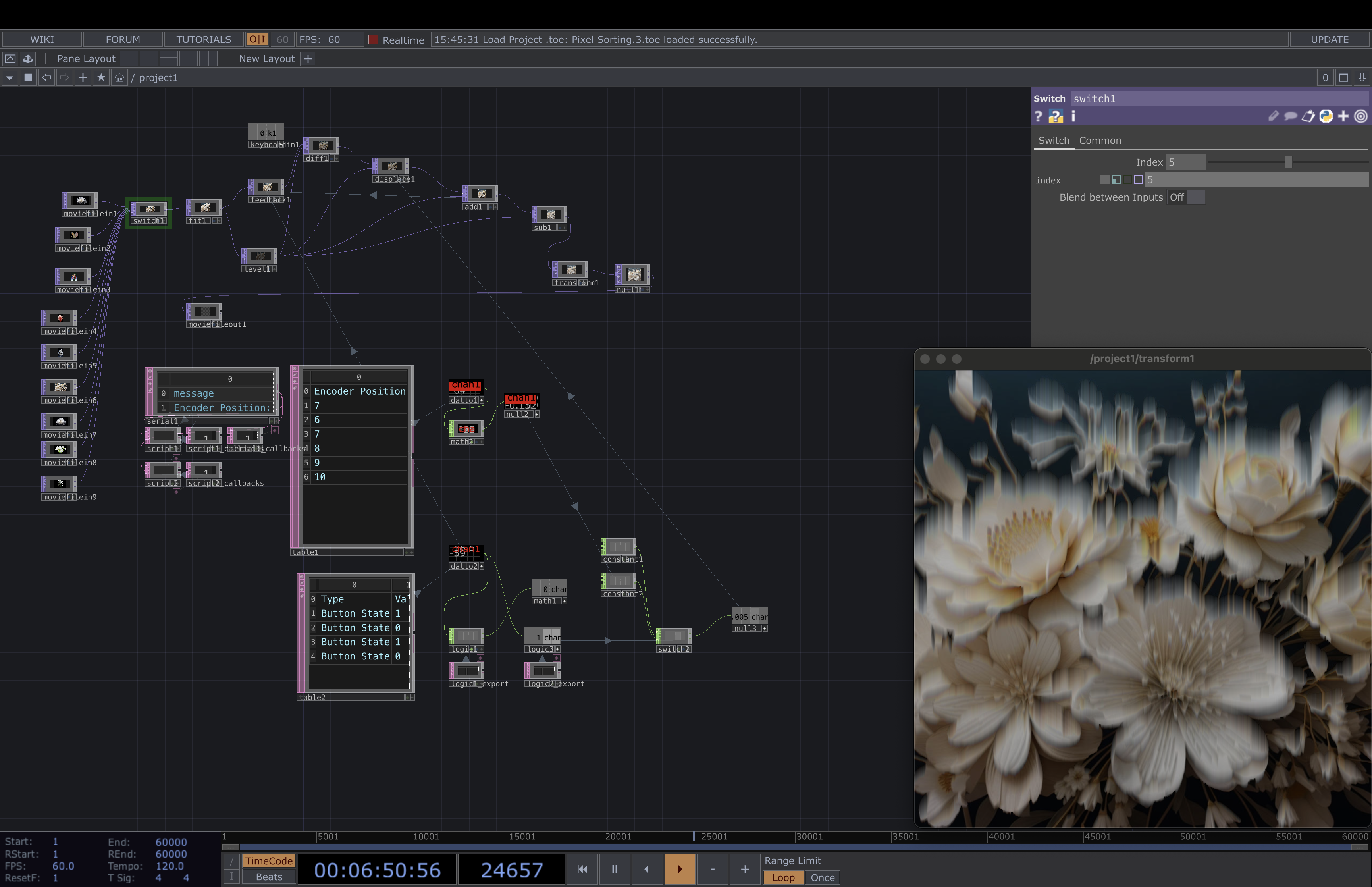
From exploring audio-reactive visuals in TouchDesigner to conceptualizing and designing a simple app prototype in Figma, it was so much fun! It all began with a curiosity about how different languages visually manifest through sound, leading me to experiment with various tools and techniques.

I am so happy that I dived into TouchDesigner a bit more I learned a lot about creating and manipulating visuals, especially making them respond to audio inputs which was very fun to learn. Also Along the way, I listened to the German alphabet countless times, which was unexpectedly useful (and quite amusing🤭)

Transitioning to Figma, I designed a mini prototype for a pronunciation visualizer app. This app allows users to select their native language and a language they wish to learn, providing real-time visual feedback on pronunciation patterns. The thing is, I had so many ideas for using the visuals in a practical application. Ultimately, I focused on perfecting the visuals, which was both challenging and rewarding.

Next Step

Looking ahead, I see a lot of potential for expanding this project. For example a Language Learning Kit with developing a comprehensive language learning kit using these types of visuals could make learning more engaging. Different visuals for different languages might be interesting. Or in the testing phase, it would be interesting to test the visuals with deaf individuals to see if they can detect patterns in each language. This could open up new ways of understanding and teaching languages. So I’m excited about the possibilities and let’s see if I will work on more on this project in the future!